

Easy onboarding & login
Get connected quickly with a simple, secure sign-in experience.
Stream, game, work, and browse safely with strong encryption and 105+ servers worldwide keeping you protected everywhere.
Watch Netflix, HBO, Disney+ and Hulu over a fast, private connection. VPN Lightning’s servers are built for smooth HD and 4K streaming.
Carry your MacBook to the airport, café or office and VPN Lightning keeps it private on every public network, with encryption that turns on in one click.
A VPN app for MacOS protects your online traffic and virtual location. It creates a secure connection between your Mac and a VPN server, changing your IP address and helping prevent others from spying on your online activity.
Get connected quickly with a simple, secure sign-in experience.
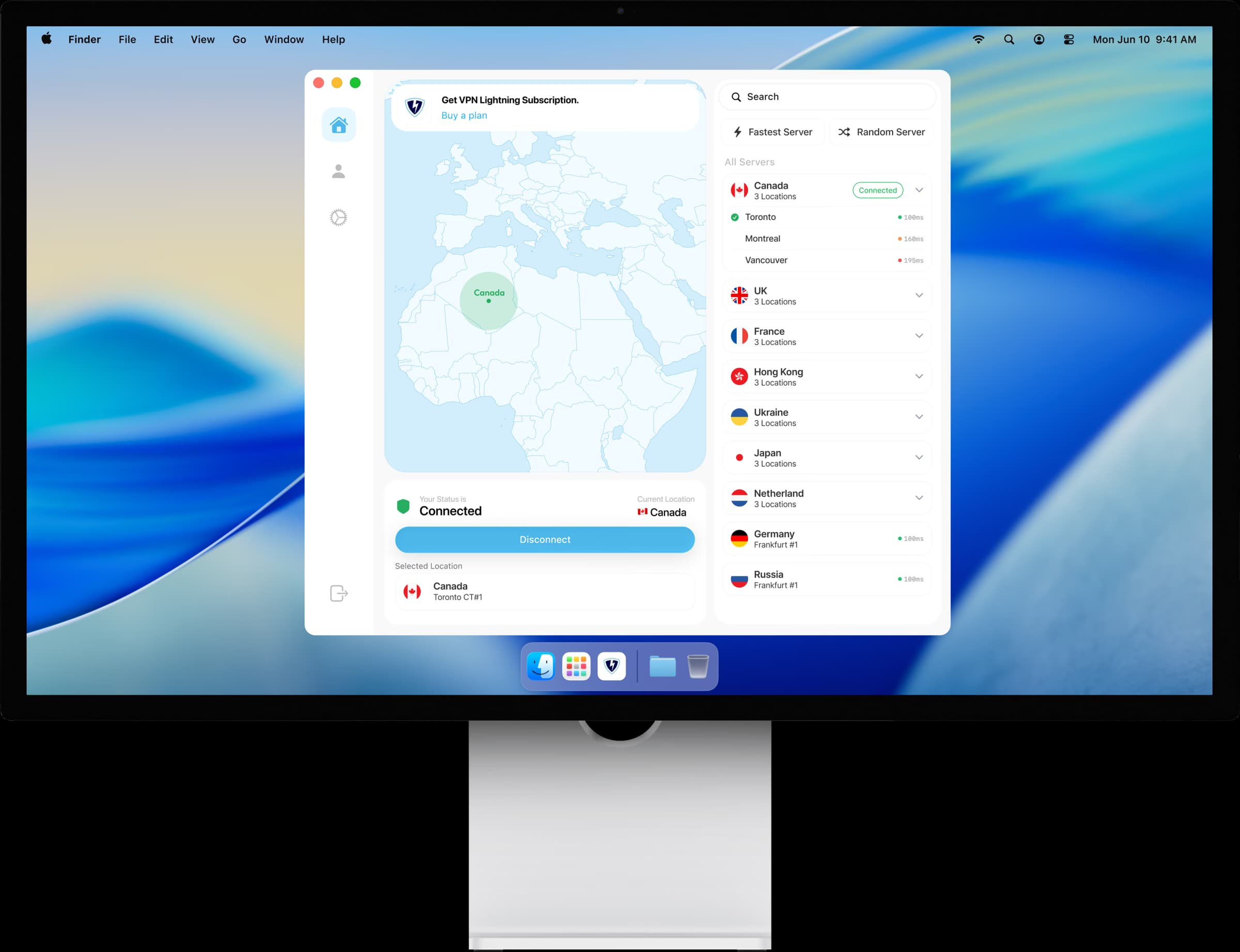
Connect securely and see your protected location at a glance.
Explore locations and choose the best server for your needs.
Manage your plan, billing, and renewal from one place.
Keep your Mac and other protected devices organized.
Customize protocols, anti-tracker, private DNS, kill switch, and more.
Everything you need to know about VPN Lightning on macOS. Can’t find an answer? Chat to our friendly team.