
No-logs VPN
We do not keep activity logs that can identify what you do online.
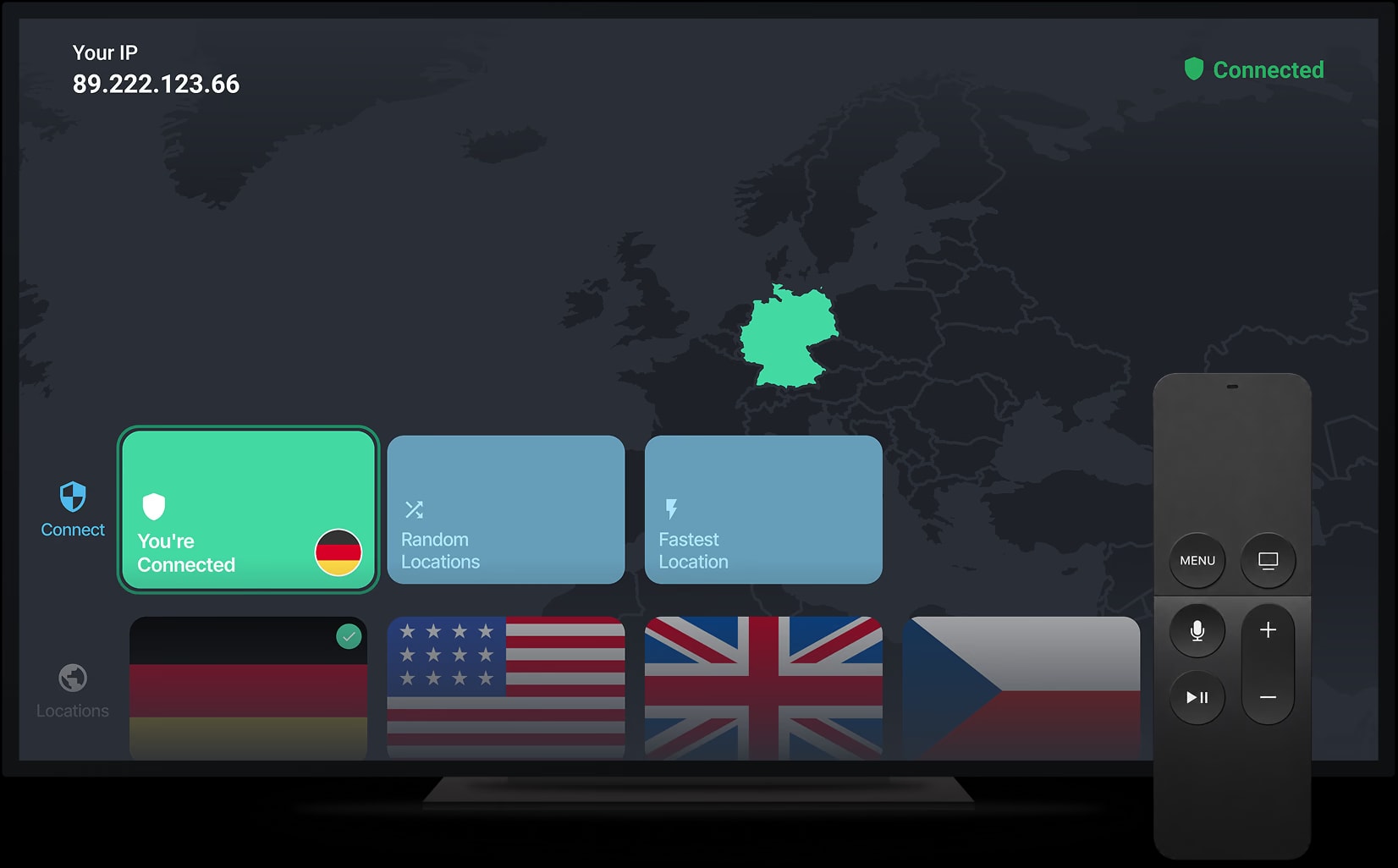
Simple, private streaming and fast connections on your Android TV.
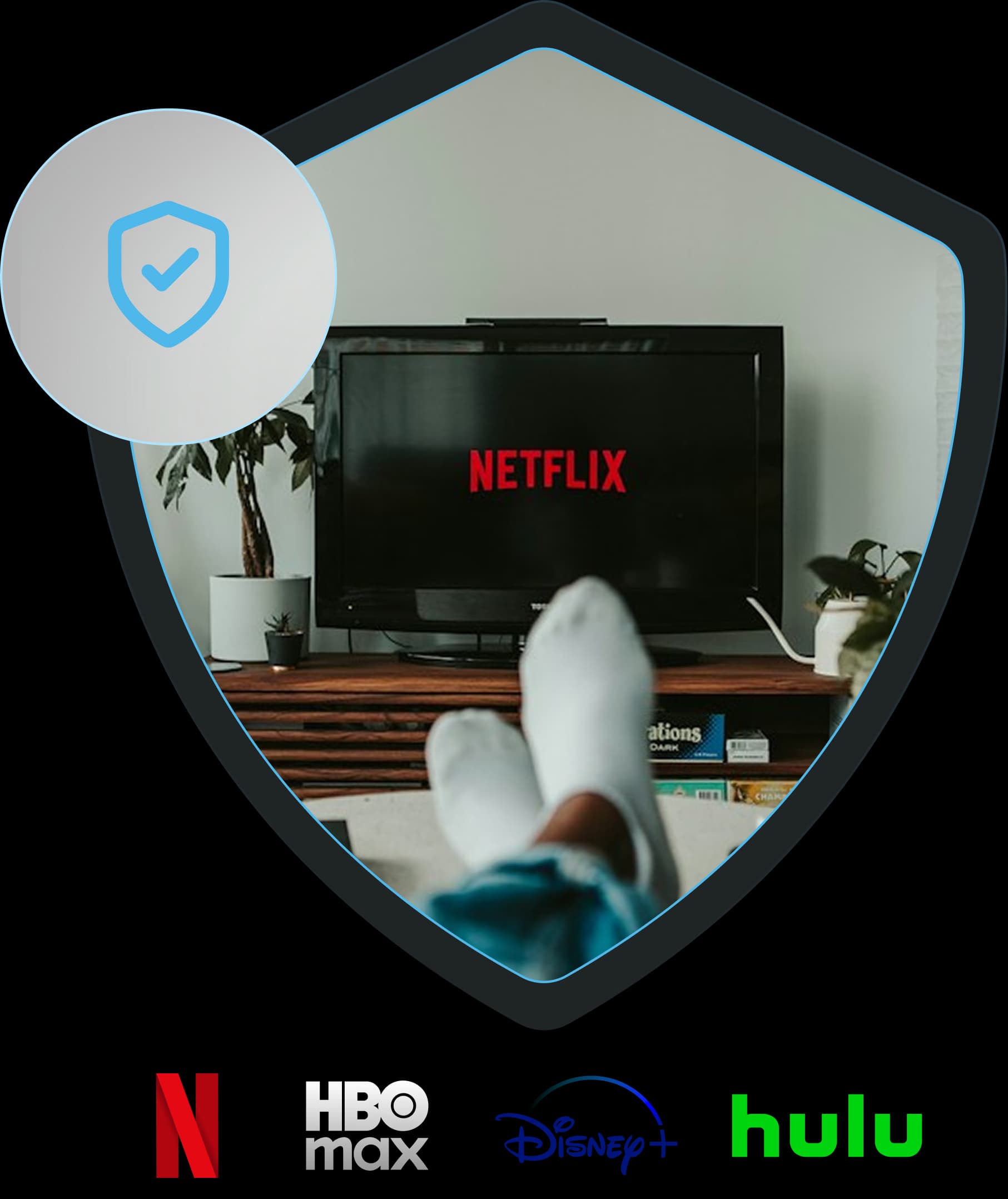
Watch Netflix, HBO Max, Disney+ and Hulu on your Android TV over a private connection, with servers built for smooth HD and 4K streaming.
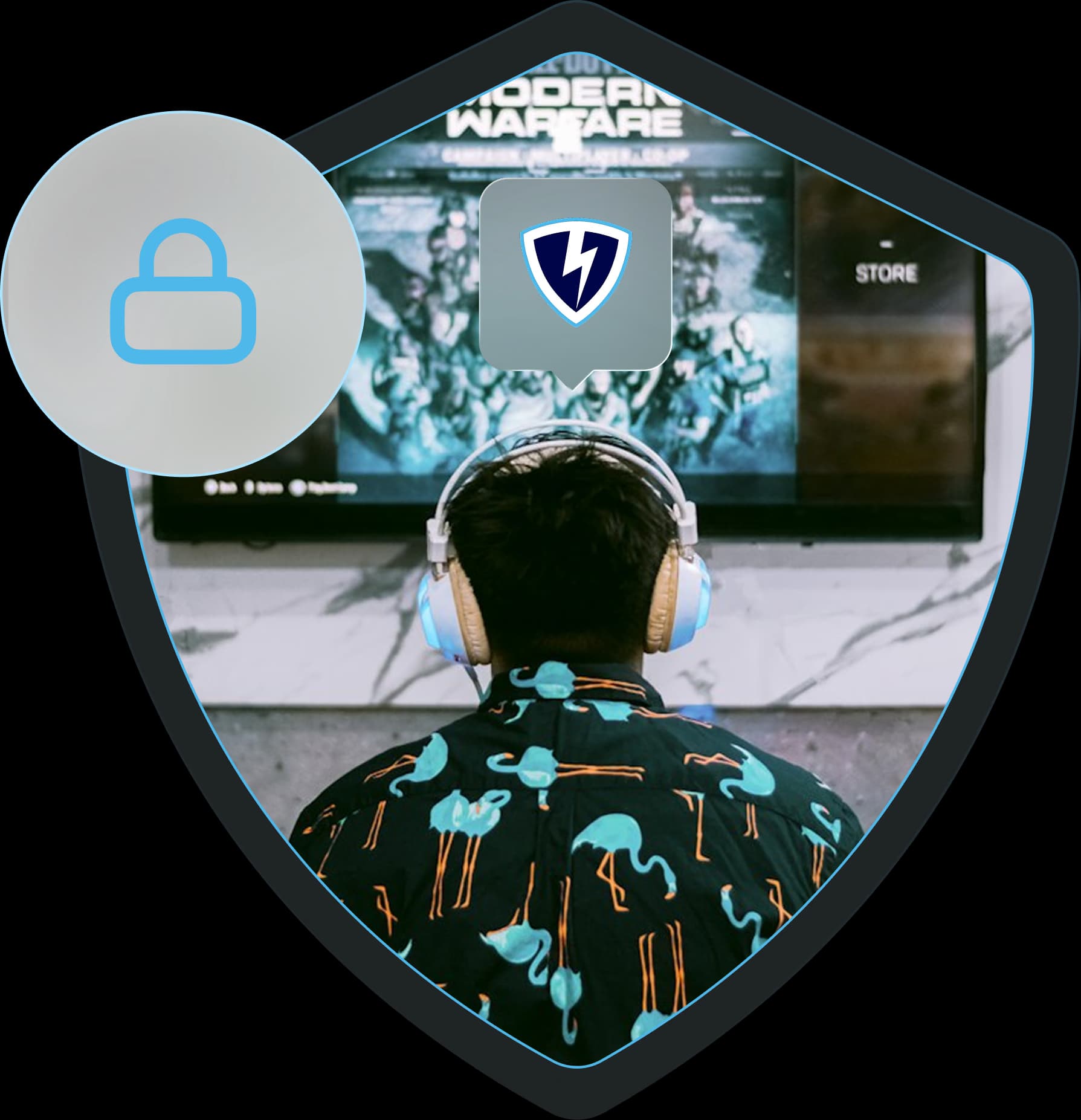
Open VPN Lightning on your Android TV, press Connect, and every game, stream and download travels encrypted on your home Wi-Fi.
A VPN app for Android protects your online traffic and virtual location on phones, tablets, and TVs. It creates a secure connection between your Android device and a VPN server, changing your IP address and helping prevent others from spying on your online activity.
We do not keep activity logs that can identify what you do online.
Choose which Android apps use the VPN connection.
Connect to fast servers for smooth streaming on your big screen.
Stream on your Android devices with privacy wherever you go.
Stay protected if your VPN connection drops unexpectedly.
Stop hidden trackers from collecting your browsing data.
Everything you need to know about VPN Lightning on Android TV. Can’t find an answer? Chat to our friendly team.