

Easy onboarding & login
Get connected quickly with a simple, secure sign-in experience.
Simple, secure, and fast protection for browsing, streaming, gaming, and work on Windows 11 and beyond.

Leave it on Automatic, or pick WireGuard for speed, OpenVPN over UDP or TCP for compatibility, or Shadowsocks for restrictive networks. Switch any time from Settings.
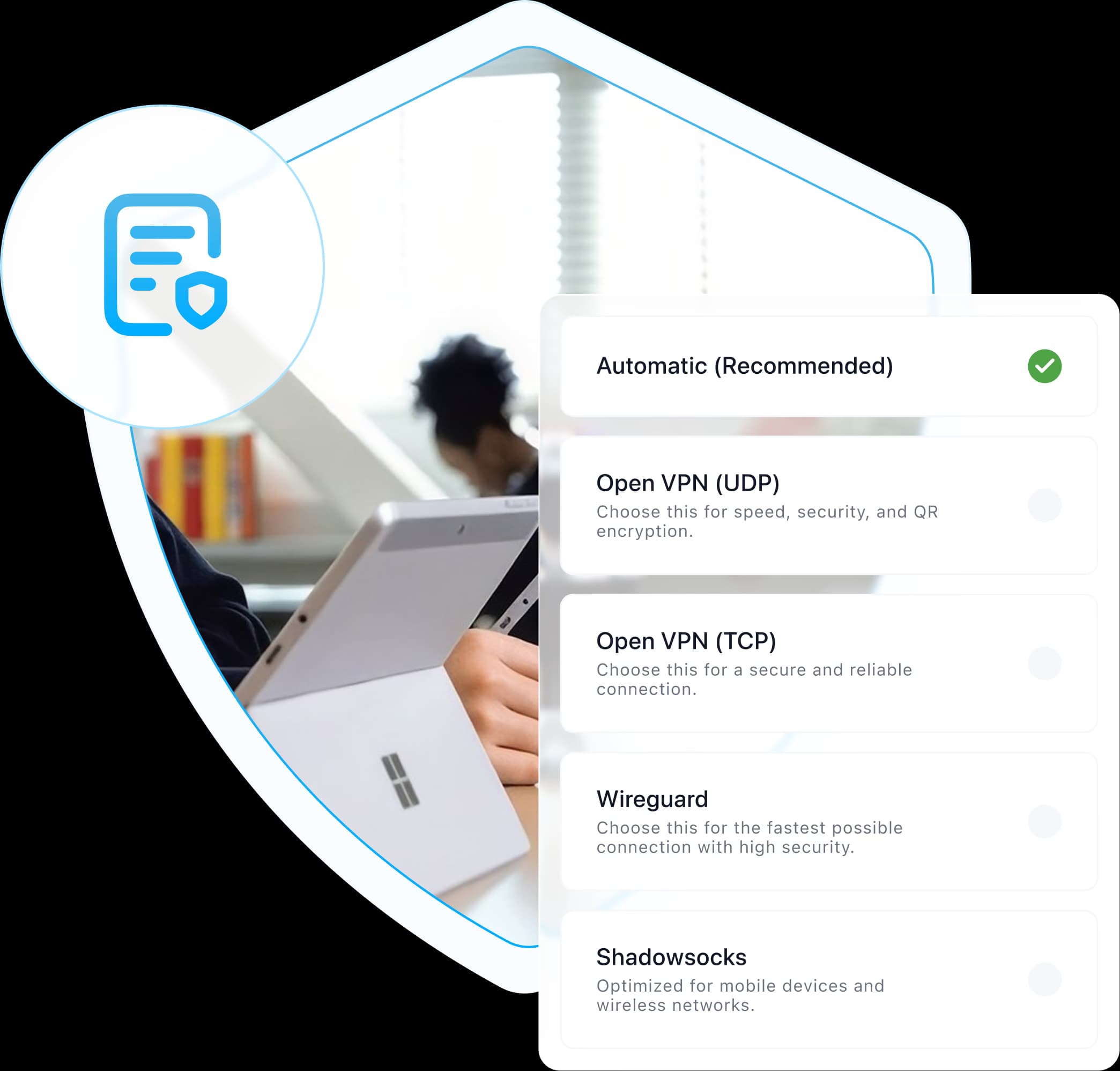
At home, in the office or on café Wi-Fi, one click encrypts your Windows PC’s connection, on Windows 11 and Windows 10.
A VPN app for Windows protects your traffic and virtual location, creating a secure connection between your PC and a VPN server wherever you work, stream, or browse.
Get connected quickly with a simple, secure sign-in experience.
Connect securely and see your protected location at a glance.
Explore locations and choose the best server for your needs.
Manage your plan, billing, and renewal from one place.
Keep Windows and other protected devices organized.
Customize protocols, anti-tracker, private DNS, kill switch, and more.
Everything you need to know about VPN Lightning on Windows. Can’t find an answer? Chat to our friendly team.