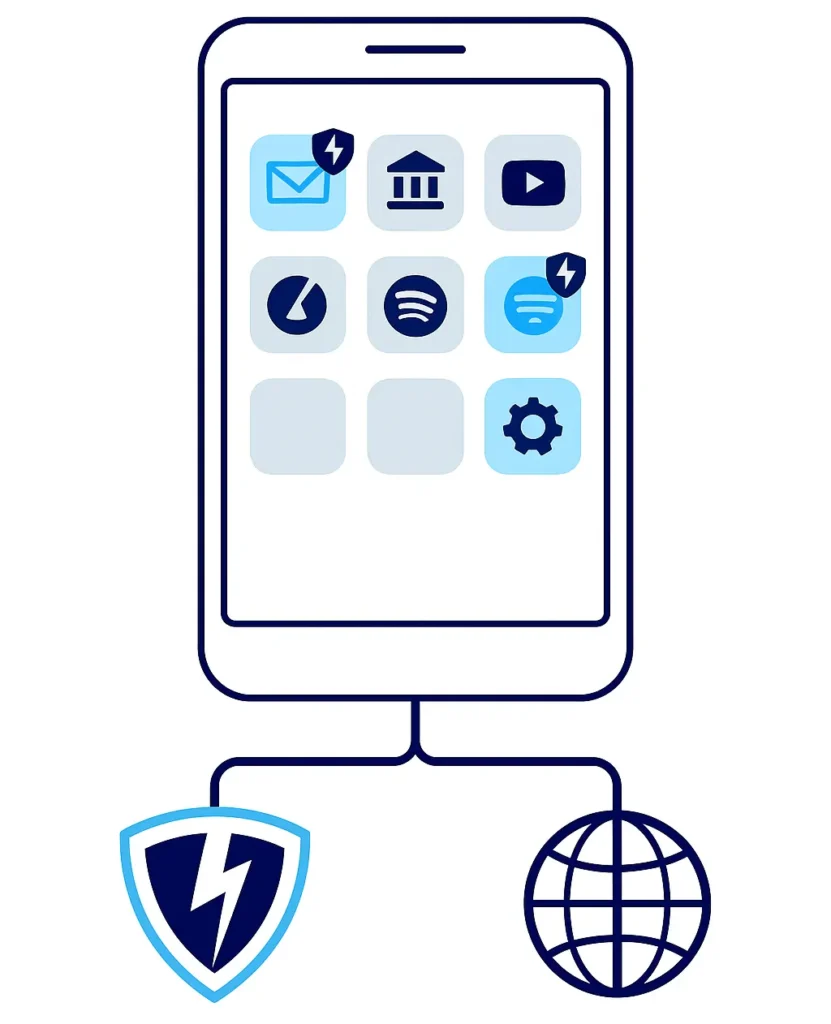
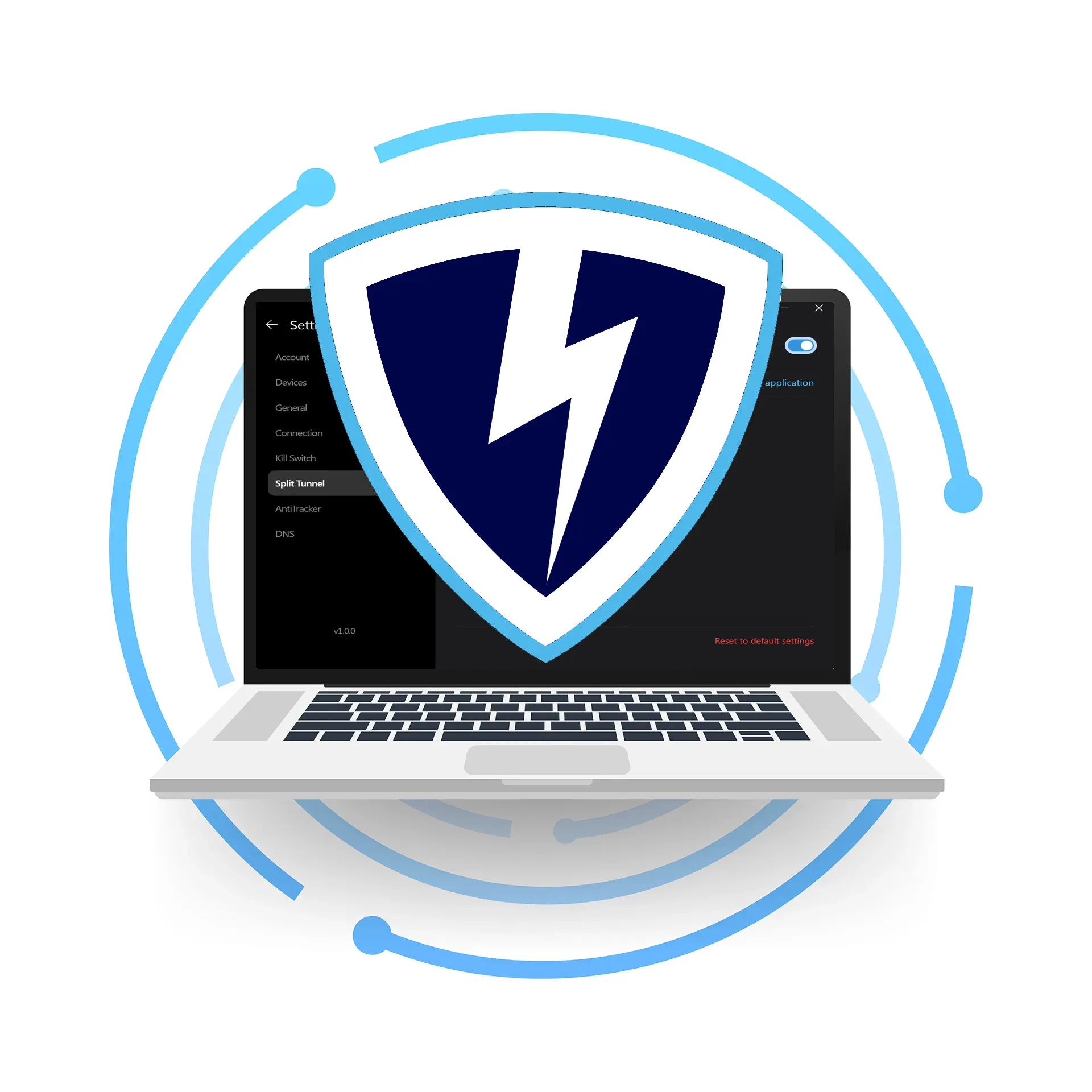
Split Tunneling in VPN Lightning lets you decide which apps and websites use the encrypted VPN connection and which stay on your local network. It gives you more control, faster performance, and a smoother online experience.
Split Tunneling is a powerful feature inside VPN Lightning that gives you control over your internet traffic. Instead of sending everything through the VPN, you choose what gets encrypted and what stays on your normal connection. This means you can protect private tasks like email, banking, or work apps while letting other things, like streaming or gaming, stay local and fast.
For example, you can keep your banking app inside the secure VPN tunnel while watching local content or accessing smart devices on your home network without delay. This keeps your speed high and your privacy locked in.
Split Tunneling is perfect when you want strong protection and top performance at the same time. You stay in control, reduce slowdowns, and still get the safety you expect from VPN Lightning.
Smart VPN App Control
Split Tunneling is not just a technical feature. It’s a smart way to manage how your VPN works in real life. Most devices run many different apps at the same time. Some need full privacy. Others need local access. With VPN Lightning’s Split Tunneling, you get to choose how your connection works for each app.
This helps you avoid streaming issues, makes local banking easier, and improves how smart devices connect. You don’t have to switch the VPN on and off. Just set it once and enjoy the best of both worlds: strong security and smooth speed. Whether you’re working from home, watching local news, or managing smart tech, split tunneling helps everything run better.
Keep Local Access Working Split Tunneling makes sure local apps still work while your VPN protects private data. You can use printers, smart TVs, and banking apps on your normal network without turning off the VPN.
Stop Blocking Local Content Some websites and apps only work in your area. With Split Tunneling, you can watch local sports, news, or streaming content on your normal connection while keeping other activity protected.
No More Switching Split Tunneling removes the need to turn the VPN off for certain apps. Once you set your preferences, everything just works. You stay protected without constant changes or slowdowns.
When only some apps run through the VPN, your device has less to process. This leads to faster speeds, better app performance, and less lag across the board. Instead of forcing every app and service to use the encrypted tunnel, Split Tunneling lets you free up bandwidth for the apps that need it most.
Gamers, remote workers, streamers, and power users all benefit from smoother experiences. By only routing what matters through the VPN, you get top-level security without the slowdown. This means lower ping, faster downloads, and better overall flow on all your devices. Split Tunneling is built to give you balance: strong protection where it counts and fast access everywhere else.
One Account. Every Device.
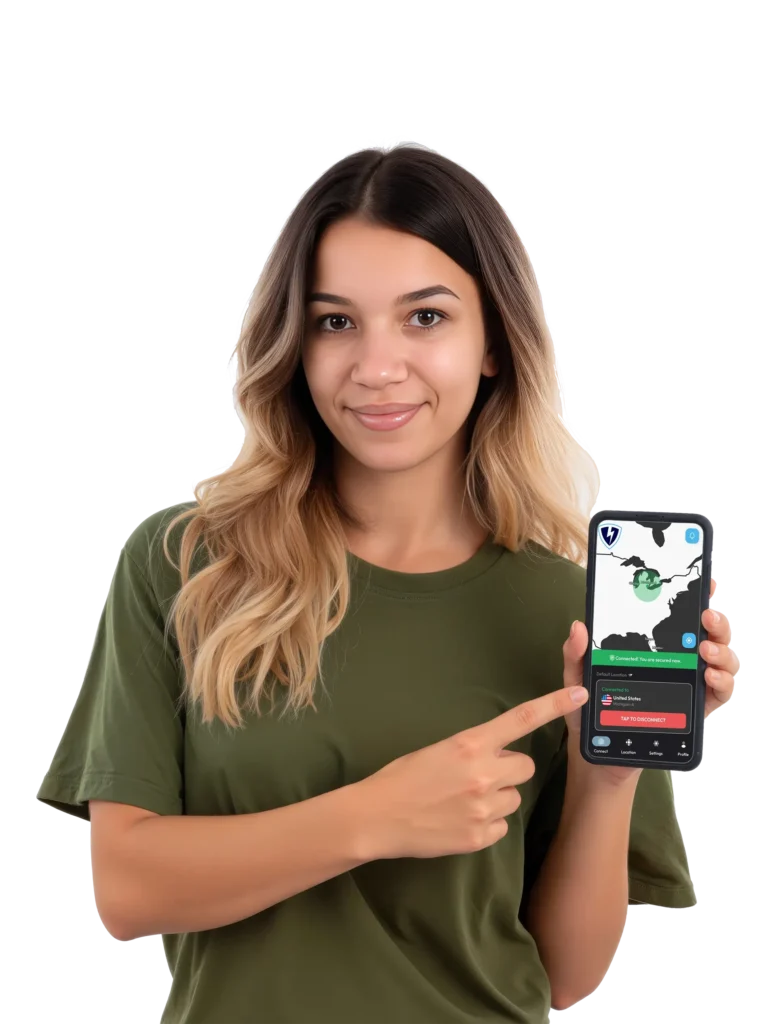
VPN Lightning keeps all your devices protected with a single, easy-to-use subscription. Connect your phone, laptop, tablet, or even your home router without restrictions. Enjoy the same fast, secure connection on Windows, macOS, iOS, Android, and Linux.
Wherever you go and whatever device you use, your traffic stays encrypted and your privacy stays locked in. One account gives you full protection across your entire digital world.
Money-Back Guarantee
We understand that choosing a reliable VPN is an important step, and we want you to feel confident in your choice. VPN Lightning is designed for speed, privacy, and ease of use, and we stand behind that commitment with our 30-Day Money-Back Guarantee to ensure you feel fully supported.
Discover everything VPN Lightning offers. Connect to our global servers, test your speeds, and see the increase in protection and performance. If it does not deliver the results you expect, contact us within 30 days. Our team will process your refund quickly and professionally.
Subscribe to VPN Lightning’s Weekly Newsletter and easily stay up-to-date on the latest & most important VPN News. Delivered Right to Your Inbox.
SPLIT TUNNELING
Frequently Asked Questions
What is Split Tunneling in a VPN?
Split Tunneling lets you choose which apps or websites use the VPN and which ones connect directly to the internet. This gives you more control, better performance, and faster speeds.
Why would I want to split my traffic?
Some apps work better outside of a VPN, like local streaming or smart devices. Split Tunneling lets you keep those apps on your normal connection while protecting sensitive data through VPN Lightning.
Is Split Tunneling safe to use?
Yes. Only the apps you choose are kept outside the VPN tunnel. Everything else remains fully encrypted and private. You stay in control of your security and speed.
Does Split Tunneling improve speed?
It can. By sending only certain traffic through the VPN, your device uses fewer resources and bandwidth. This can lead to faster performance, lower ping, and less buffering.
Can I turn Split Tunneling on or off anytime?
Yes. VPN Lightning makes it easy to enable or disable Split Tunneling with a few clicks in the app. You can also change which apps use the VPN whenever you want.
Does Split Tunneling work on all devices?
Split Tunneling is supported on most major platforms, including Windows, Android, and more. Exact features may vary slightly by device, but we make it simple to set up and manage.
Every Device. Every Search. Every Login. Stay Protected.
VPN Lightning delivers far more than a basic VPN service. Get access to high-speed servers, dedicated IP choices, and strong encrypted protection, all backed by a trusted no-logs policy that keeps your activity completely private and secure.