The VPN Lightning Extension for Firefox brings full privacy and control to your browser in seconds. Browse safely, block trackers, hide your location, and access content without limits. No tech skills needed.
Firefox is known for strong privacy controls and open-source flexibility, but it cannot protect your connection by itself. Your internet service provider can still see what sites you visit. Trackers can still collect your data. And your real location is always visible to the websites you visit. The VPN Lightning Firefox Extension fixes that gap. Once installed, it secures every site you open inside Firefox. Your IP address is hidden, your traffic is encrypted, and your digital footprint stays private at all times.
This keeps you safe from surveillance, ads that follow you, and risky open Wi-Fi networks. With just one click, your browser traffic becomes invisible to anyone trying to monitor it. Whether you are working remotely, streaming, or shopping online, your privacy stays locked down.
Browser Extension Install
Installing the VPN Lightning browser extension is fast and easy. You don’t need to adjust your account or subscription. Simply follow the steps for your browser below and restore full browsing protection in just moments.
Mozilla Firefox Extension: Install
Getting started is easy. No settings to change or technical steps to figure out. Follow these three steps:
Many free VPN services cut corners. They interrupt your browsing with endless ads, collect your private data, and often sell it to third parties. VPN Lightning is built differently. We never track your activity, sell your data, or limit your control. You are in charge every step of the way.
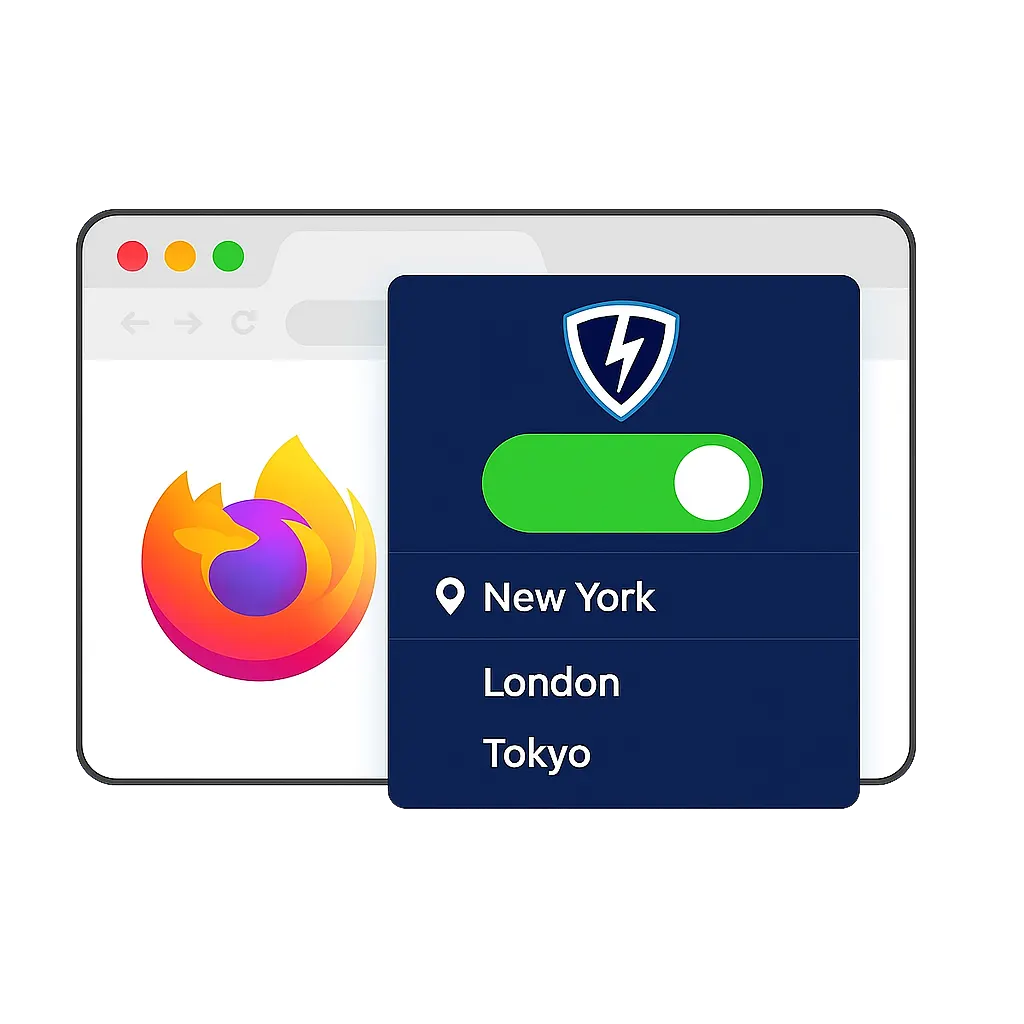
With VPN Lightning for Firefox, you choose which server to connect to based on your needs. Want faster speeds? Pick the closest location. Want more privacy? Choose a remote region. Switching servers is instant, and you are always in control of your connection. There is no need to worry about background tracking or hidden data collection.
Speed Meets Total Security
VPN Lightning is engineered for smooth, lag-free browsing. Our extension connects to a global network of high-speed VPN servers, giving you fast and stable access no matter where you are. Whether you are streaming videos, joining virtual meetings, shopping online, or just checking your inbox, the extension works quietly in the background to keep your activity protected without sacrificing performance.
Unlike many VPN tools that slow you down or interfere with daily tasks, VPN Lightning is built to stay light and responsive. Pages load quickly, videos play without buffering, and downloads stay consistent. You get the privacy you need with the performance you expect.
We know selecting a reliable VPN matters, and we want you to feel confident in your decision. VPN Lightning is made for fast speeds, strong privacy, and reliable service, and we stand behind that with a 30-Day Money-Back Guarantee so you can try it risk-free.
Take advantage of all VPN Lightning offers. Join our worldwide network, check your connection speeds, and see how much better your privacy and performance can be. If you are not fully satisfied, contact us within 30 days. We will issue your refund fast and professionally
Subscribe to VPN Lightning’s Weekly Newsletter and easily stay up-to-date on the latest & most important VPN News. Delivered Right to Your Inbox.
MOZILLA FIREFOX EXTENSION
Frequently Asked Questions
How does the VPN Lightning Firefox Extension protect my online activity?
The extension encrypts your browser traffic directly through Firefox. This means websites, advertisers, and even your internet provider cannot see what you do. It shields your activity while you shop, stream, or browse.
Can I choose a specific location for my connection?
Yes. The Firefox extension allows you to select from VPN Lightning’s global server network. You can pick a location that fits your needs, whether for speed, privacy, or unlocking regional content.
Will this extension slow down my browsing speed?
Not at all. VPN Lightning is built for fast performance. Our servers are optimized to keep your connection smooth while protecting your data, so you can enjoy safe browsing without sacrificing speed.
Do I need to log in every time I use Firefox?
No. Once you sign in and connect the VPN Lightning extension, it stays active until you turn it off or close the browser. You’re protected automatically, with no extra steps needed.
Is the Firefox extension different from the full VPN app?
Yes. The browser extension protects traffic only inside Firefox, while the full app secures your entire device. The extension is perfect for users who want lightweight protection while browsing.
Can I use the Firefox extension on multiple devices?
Absolutely. As long as you have a VPN Lightning account, you can install and use the Firefox extension on any compatible device. Just log in and connect for secure browsing on each one.
Is any of my browsing history stored or tracked?
No. VPN Lightning follows a strict no-logs policy. We do not monitor, record, or store any of your activity, search history, or browsing data while using the Firefox extension.
Every Tab. Every Website. Every Action. Stay Secure.
VPN Lightning is a full-service solution designed for secure, fast, and private browsing. Use blazing global servers, choose from dedicated IPs, and keep your data locked down with powerful encryption.