
- What is a VPN?
- Features
-
- Download VPN
-
-
Desktop
- Windows VPN
- macOS VPN
- Linux VPN
-
Mobile
- Android VPN
- iOS VPN
-
Browser Extensions
- Chrome Extension
- Firefox Extension
- Edge Extension
-
-
- Pricing
- Support
- VPN News
What Is a Virtual Private Network and How Does It Work?
The internet plays a central role in how people work, communicate, shop, and manage their personal lives. Yet most online activity still travels across networks that users do not own or control. Internet service providers, public Wi-Fi operators, advertisers, and data brokers all operate within this infrastructure, creating an environment where personal information is constantly exposed, collected, or analyzed. As digital life expands, so does the importance of understanding how data moves online and who can see it.
A Virtual Private Network, commonly known as a VPN, is one of the most widely used tools for improving online privacy and security, but it is also one of the most misunderstood. Many people have heard of VPNs without fully understanding what they do, how they work, or when they are useful. This article explains what a VPN is, how it functions behind the scenes, and why it has become an essential part of modern internet use for everyday users who want greater control over their digital privacy.
Why VPNs Matter Right Now
The internet is no longer a passive tool for browsing information. It is the backbone of work, finance, healthcare, education, and social interaction. Every online action generates data that moves across multiple networks owned by companies and organizations users never directly interact with. This constant flow of information creates opportunities for surveillance, tracking, and misuse, often without users realizing it.
At the same time, cyber threats have become more automated and less targeted. Attacks that once focused on corporations now routinely affect individuals through unsecured networks, phishing campaigns, and data harvesting. As digital dependence grows, understanding basic privacy and security tools such as VPNs has become a practical necessity rather than a technical luxury.
What a VPN Is
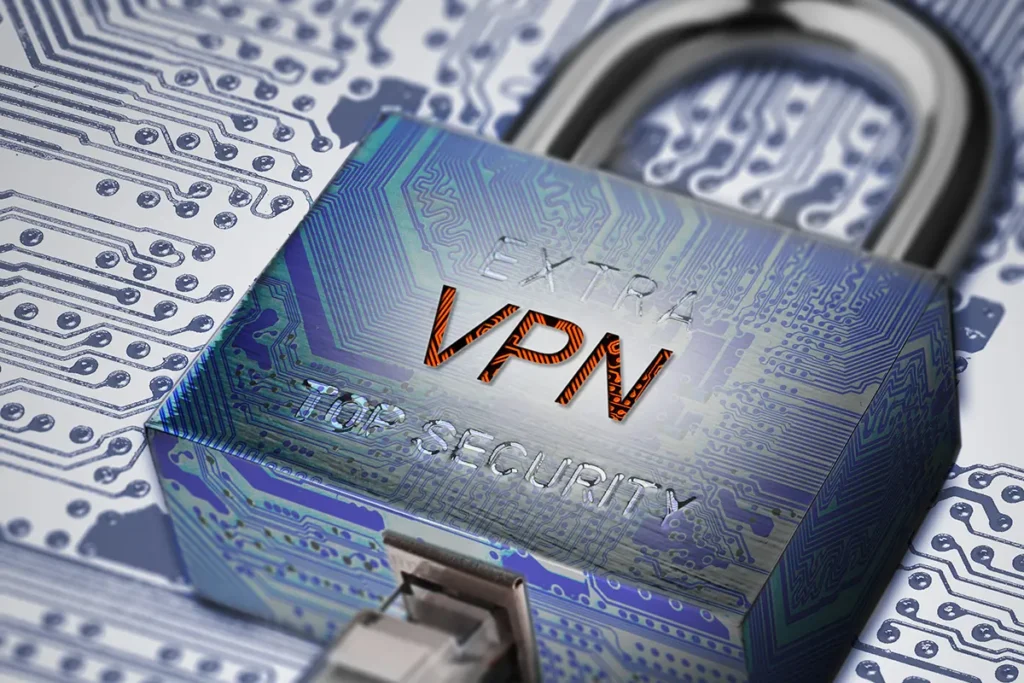
A Virtual Private Network, or VPN, is a technology that protects your internet connection by encrypting the data sent between your device and the internet. Instead of your traffic traveling openly through your local network and internet service provider, it is securely routed through a remote server operated by the VPN service.
According to the Electronic Frontier Foundation, VPNs are commonly used to protect data in transit and reduce exposure to network level monitoring.
In practical terms, a VPN helps prevent outside parties from easily seeing what you are doing online or linking that activity directly to your physical location.
How a VPN Works
When you activate a VPN, your device establishes a secure connection with a VPN server using encryption protocols. This process happens in the background and typically takes only a few seconds. Once connected, all internet traffic leaving your device is encrypted before it reaches your local network or internet provider.
The National Institute of Standards and Technology explains that encryption protects data by transforming it into unreadable code that can only be deciphered with the correct keys.
As a result, even if data is intercepted while traveling across the internet, it cannot be meaningfully accessed without authorization. Websites you visit see the VPN server as the source of the traffic, not your actual device.
What Happens Without a VPN
Without a VPN, your internet activity is typically exposed at multiple points along its path. Local networks, internet service providers, and other intermediaries can observe connection metadata such as destination websites, timing, and approximate location. While HTTPS encrypts website content, it does not fully conceal this surrounding information.
The Federal Trade Commission has warned that unsecured or poorly protected connections, especially on public Wi-Fi, can allow attackers to intercept data or hijack active sessions.
This exposure increases the risk of tracking, profiling, and account compromise, particularly when users connect from shared or unfamiliar networks.
Real World Examples of VPN Use
VPNs are widely used in everyday situations that involve sensitive data or untrusted networks. Travelers rely on VPNs to protect personal and work information while using hotel or airport Wi-Fi. Remote workers use VPNs to secure access to company systems and cloud services. Mobile users depend on VPNs to reduce tracking when switching between networks throughout the day.
The Cybersecurity and Infrastructure Security Agency consistently emphasizes secure connections and encryption as foundational cybersecurity practices for individuals and organizations.
In these contexts, VPNs function as a defensive layer that helps preserve privacy and data integrity without changing how users normally interact with the internet.
What a VPN Protects and What It Does Not
A VPN provides meaningful protection, but it is not a comprehensive privacy solution. It encrypts data in transit and masks IP addresses, which reduces exposure to network based monitoring and some forms of tracking. This is particularly valuable on public or shared networks.
However, a VPN does not make users anonymous. Logged in accounts, browser fingerprinting, cookies, and malware can still identify or compromise users if other safeguards are not in place. Academic research from Princeton University has shown that online tracking often relies on multiple data points beyond IP addresses alone.
Understanding both the strengths and limitations of VPNs is essential for realistic and informed use.
Choosing a Trustworthy VPN
Not all VPN providers operate with the same standards. Some services log user activity, share data with third parties, or lack transparency about how information is handled. Choosing a VPN requires evaluating policies, encryption practices, and the provider’s overall commitment to privacy.
The Electronic Frontier Foundation advises users to favor VPNs that clearly explain their data handling practices and prioritize user privacy by design.
VPN Lightning is positioned as a privacy focused service that emphasizes modern encryption and clear practices, offering protection designed for everyday users without relying on exaggerated claims.
Conclusion: Understanding VPNs Is Essential for Modern Internet Use
The modern internet exposes users to risks that are often invisible but persistent. Data travels across networks beyond individual control, creating opportunities for monitoring, tracking, and exploitation. Understanding what a VPN is and how it works gives users a clearer view of how their information moves online.
A VPN is not about secrecy or avoidance. It is about protecting data, reducing unnecessary exposure, and maintaining greater control over personal information. As digital threats and data collection continue to evolve, tools that support privacy and security play an essential role in responsible internet use.
VPN Lightning is built for this environment, offering a privacy first approach to encrypted connectivity that supports safer and more confident internet access for modern users.
About the Author
J.W. Law is a technology researcher and writer with the VPN Lightning Research Team, specializing in cybersecurity, digital privacy, and consumer internet safety. Their work focuses on translating complex technical and policy topics into clear, practical guidance that helps everyday users better understand how the internet works and how to protect themselves online.
Drawing on research from established organizations, J.W. Law produces evidence-based articles that emphasize accuracy, transparency, and informed decision-making. Their writing is designed to support readers who want reliable, non-sensational information about online security, privacy risks, and modern internet use.
Recent VPN News
Online Privacy Tips for Freelancers and Small Businesses
January 13, 2026
10:49 am
No Comments
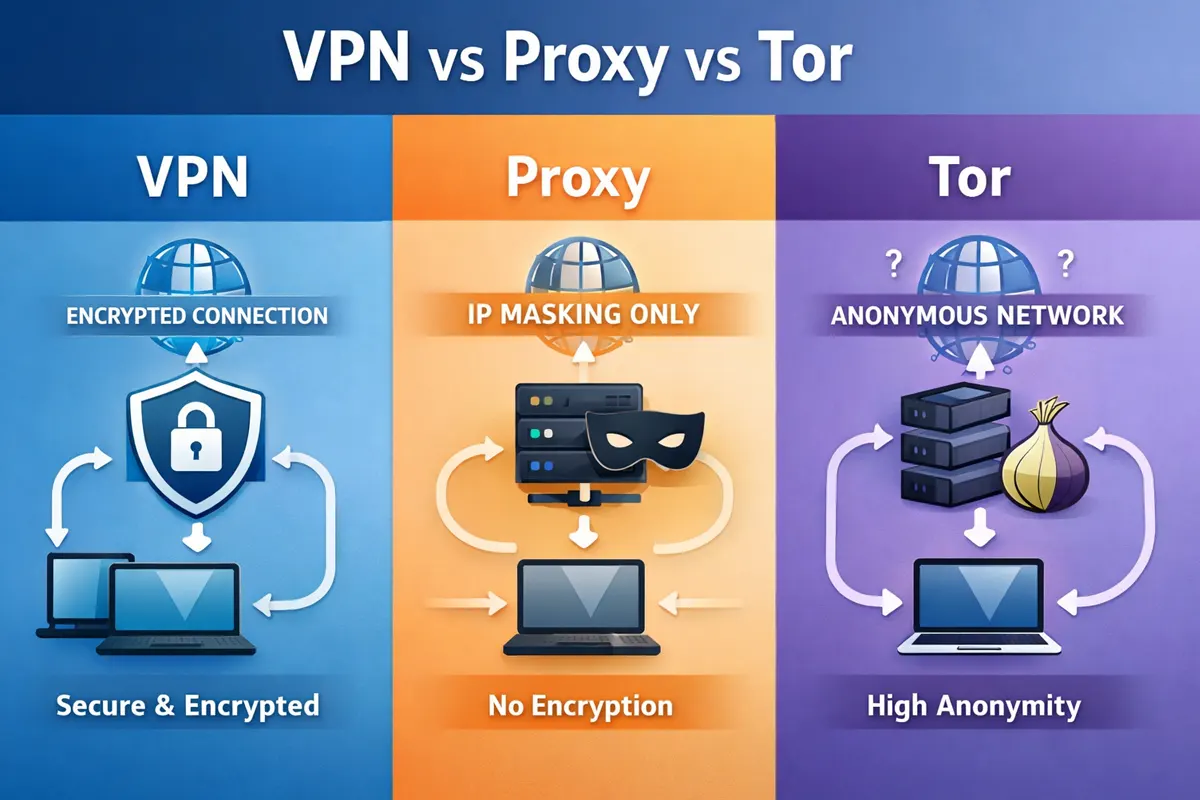
VPN vs Proxy vs Tor Explained: Understanding the Differences
January 5, 2026
12:50 pm
No Comments

Can Your Internet Provider See What You Do Online?
December 28, 2025
4:39 pm
No Comments
ABOUT THE ARTICLE
Frequently Asked Questions
What does a VPN do?
A VPN encrypts your internet traffic and routes it through a secure server before it reaches the wider internet. This helps protect your data from being observed or intercepted by networks, internet service providers, and other intermediaries.
How is a VPN different from normal HTTPS encryption?
HTTPS encrypts the content of a website but does not fully hide where your traffic is going or your IP address. A VPN encrypts all internet traffic leaving your device and masks your IP address, providing broader protection across apps, websites, and network connections.
Do I need a VPN if I already use secure websites?
Yes, because secure websites alone do not protect metadata such as your IP address, browsing patterns, or network level visibility. A VPN adds an extra layer of protection that applies to your entire internet connection, not just individual websites.
Is using a VPN legal?
In most countries, including the United States, using a VPN is legal. Some countries restrict or regulate VPN use, so it is important to understand local laws when traveling or accessing the internet from different regions.
When should I use a VPN?
A VPN is especially useful when using public Wi-Fi, traveling, working remotely, or accessing sensitive accounts such as banking or email. Many users also choose to keep a VPN enabled regularly to reduce tracking and protect everyday browsing activity.
Does a VPN make me anonymous online?
No. A VPN improves privacy and security, but it does not make users anonymous. Websites, accounts, cookies, and device fingerprints can still identify users if other privacy measures are not in place.
Can a VPN protect me from hackers?
A VPN helps protect your data while it is traveling across networks, especially on unsecured Wi-Fi. However, it does not protect against malware, phishing attacks, or unsafe downloads. A VPN should be used alongside good security habits.
Are free VPNs safe to use?
Some free VPNs may log user activity, inject advertisements, or monetize data in ways that reduce privacy. Evaluating a VPN’s data handling practices and transparency is important regardless of whether the service is free or paid.
Every Action. Every Site. Every Connection. Stay Secure.
VPN Lightning offers more than standard coverage. It serves as a full solution for performance, privacy, and security. Access high-speed networks, select a dedicated IP when required, and remain private through a no-logs policy. Easy to operate, by design, and built to keep your data safe.
- 30-Day Money-Back Guarantee